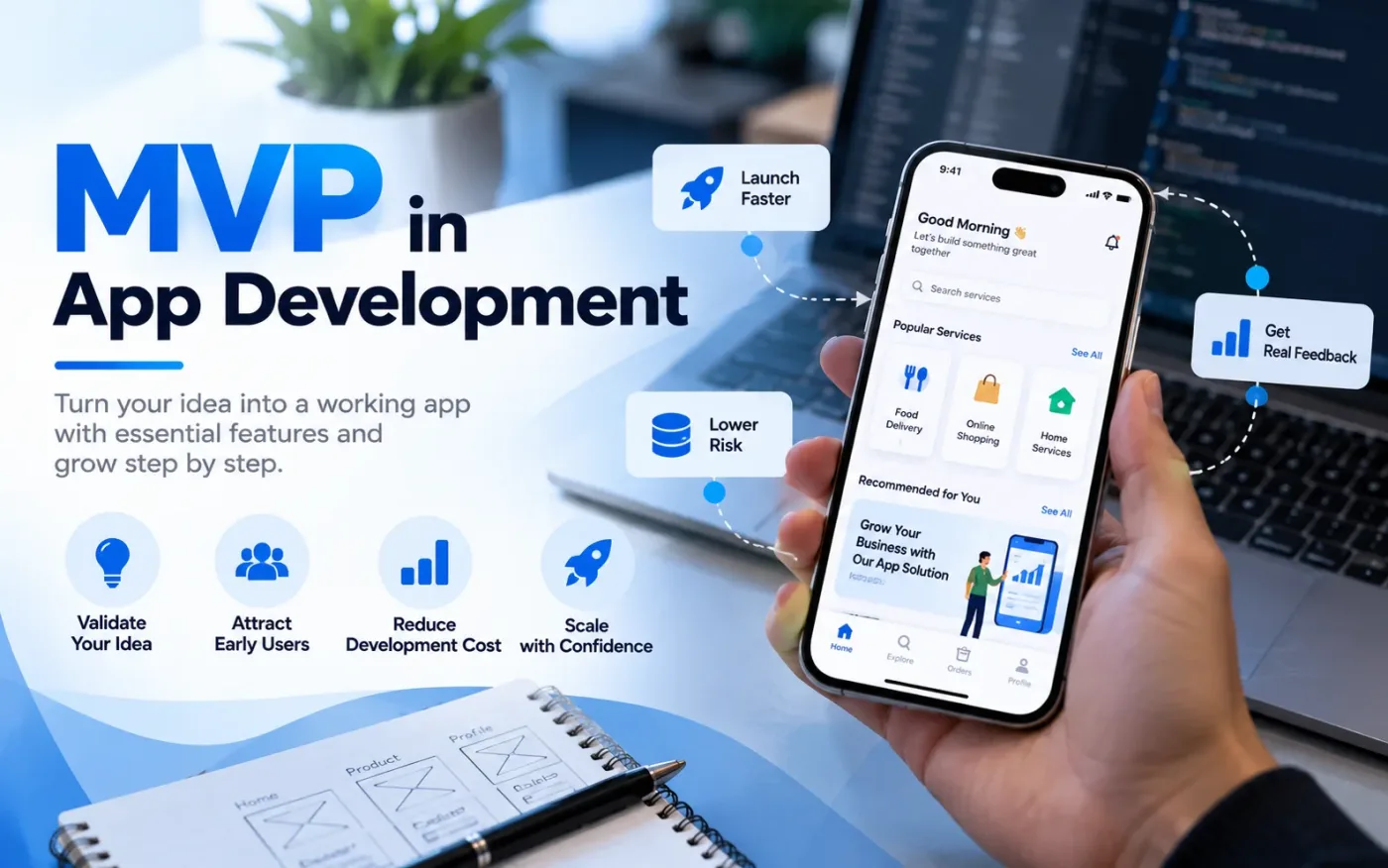
An MVP, or minimum viable product, is a working app with only the features needed to let real users complete one main task.
MVP app development means building the smallest version of your app that solves one real problem for a first group of users, launching it quickly, and learning from their behaviour before you invest in more features. A good MVP has a few core features, a clear success measure and a plan for collecting feedback. This guide explains how to plan, build and launch one, and how an MVP app development company in Delhi works with founders from idea to first release.
What is an MVP in app development?
An MVP, or minimum viable product, is a working app with only the features needed to let real users complete one main task. It is not a rough demo and it is not a half-built final product. It is a real release, small on purpose, so you can find out whether people want what you are building before you spend a full budget on it.
For example, the MVP of a service booking app might let a customer search for a provider, book a slot and pay. Reviews, loyalty points and referral codes can wait until you know people use the booking flow.
What is the difference between an MVP, a prototype and a proof of concept?
These three terms are often mixed up, but they answer different questions.
Term | What it answers | What you get | Released to users? |
Proof of concept (POC) | Is this technically possible? | A small technical test of one risky part | No |
Prototype | How will the app look and flow? | Clickable screens with no real backend | No, used for feedback and demos |
MVP | Do people want and use this? | A working app with core features | Yes, to a first group of real users |
You do not always need all three. A POC makes sense when the technology is uncertain, such as a new integration. A prototype is useful for testing the flow cheaply. An MVP is the step where you test real demand.
How do I validate an app idea before building an MVP?
Validate the problem before you write any code. A simple order works well:
- Write down the problem and who has it, in one or two sentences.
- Talk to people who have that problem and ask how they solve it today.
- Look at existing apps and note what users complain about in their reviews.
- Test interest with a landing page and a waitlist.
- Run a manual version of the service, for example by taking orders on WhatsApp, to see if people really pay or return.
- Test a clickable prototype with a few target users before development starts.
If people do not show interest at these stages, you have saved the cost of building the app.
What features should an MVP app have?
Include only what a user needs to complete the main task. A simple method is to sort every feature into three groups.
Priority | Meaning | Example for a service booking app |
Must have | The app cannot work without it | Sign up, search, booking, payment, basic admin panel |
Should have | Useful, but the main task works without it | Push notifications, filters, ratings |
Later | Add after you see real usage | Loyalty points, referrals, advanced analytics, extra languages |
Use one rule when you are unsure. If a user can finish the main task without the feature, it is not a must have. Founders often add features because competitors have them, but a competitor's tenth feature is not a reason to build your first one.
Does an MVP app need an admin panel?
Not every MVP needs a separate admin panel. It is useful when someone on your team must manage real activity behind the app without asking a developer to change database records manually. For example, a booking MVP may need a simple screen to view bookings, update their status and manage basic user issues. An e-commerce MVP may need to manage products, orders and stock.
Keep the first admin panel focused on the tasks your team will actually perform. Define who can view or change each record, validate important inputs on the server, and record sensitive status changes where appropriate. A hidden button is not security: the backend must also check permissions. Avoid building a large reporting dashboard or dozens of settings until real operations show that they are needed.
If the product can run safely with a small manual process during early validation, you may be able to postpone some admin features. The goal is to remove operational friction without turning the MVP into a full enterprise system.
How do I build an MVP app step by step?
- Set one goal and one success measure. For example, the number of users who complete a booking in their first week.
- Map the user journey. Draw the shortest path from opening the app to finishing the main task.
- Rank the features. Use the must have, should have and later groups above.
- Design wireframes and a clickable prototype. Test them with a few real users.
- Choose the platform and tech stack. Pick what fits your audience and budget, and keep the code maintainable so you can grow it later.
- Build in short sprints. You should see a working version early, not only at the end.
- Test on real devices. Check different screen sizes, operating system versions and network speeds.
- Launch to a small group. Collect feedback, fix problems and then widen access.
What technical decisions should be made before coding an MVP?
The technical setup should support the main user journey without making the first release harder to build or maintain. Before development starts, agree on what belongs in the app, what the backend must handle, which data needs to be stored, and which external services the product depends on. These decisions are easier to make when they are tied to the first release's actual requirements rather than a long-term feature wishlist.
For many products, the app interface communicates with a backend through an API. The backend applies business rules, checks permissions, processes requests and reads or writes data in a database. Keeping these responsibilities clear helps the team change a screen without accidentally changing how bookings, payments or user accounts work. If you are comparing delivery approaches, review the scope of our mobile app development services alongside the features your MVP actually needs.
A few practical decisions are worth documenting before coding:
- Data model: define the main records and how they relate, such as users, bookings, products or payments. Avoid storing the same critical information in several places without a clear reason.
- Authentication and permissions: decide which actions require sign-in and what each user role is allowed to view or change. Hiding a button in the interface is not a substitute for checking permissions on the server.
- API and integrations: document what the app sends and receives, how validation errors are returned, and what should happen when a payment, map, messaging or other third-party service is unavailable.
- Configuration and environments: keep development and production settings separate, and store credentials outside the source code. This reduces the risk of exposing secrets when the project is shared or deployed.
- Room to change: keep the code organized by clear responsibilities, but avoid adding microservices or complex infrastructure before the product has a real need for them.
This does not mean designing every future feature in advance. It means making the first version reliable enough to learn from real users and structured enough that validated improvements can be added without rewriting the entire app.
A practical example: from API request to database
For example, imagine the MVP is a service-booking app. A simple end-to-end flow shows how the main parts work together:
The customer chooses a provider and an available time slot in the Flutter app, then taps “Book”. The app shows a loading state and prevents accidental repeated taps while the request is being processed.
The app sends a request to the backend API, for example POST /api/bookings, with the selected provider and slot details. The backend—not the app screen—checks that the user is signed in, the submitted values are valid, and the slot is still available.
If the checks pass, the backend saves the booking in the database and returns a success response containing the booking ID and status. The save operation should be designed to avoid two users booking the same slot at nearly the same time; the exact safeguard depends on the data model and database.
If the slot has just been taken or the input is invalid, the API should return a clear error response instead of creating an incorrect booking. The app can then explain the problem and let the customer choose another slot. This single flow connects interface design, API handling, server-side validation, database rules and error states—the core of a working MVP.
Should I build the MVP for Android, iOS or both?
It depends on where your first users are. If your audience clearly prefers one platform, start with that one. If you need both, a cross-platform framework such as Flutter or React Native lets one codebase serve Android and iOS, which usually reduces the effort of building twice. You can read more about why startups choose Flutter before you decide.
A web app is another option when your idea does not need device features like the camera or push notifications in version one.
How long does it take to build an MVP?
There is no fixed answer, and a promise of an exact timeline before scoping is a guess. The time depends on the number of features, the platforms, the amount of design work, the backend, third party integrations and how quickly you give feedback and approvals.
What you can control is scope. A smaller feature list and short sprints with demos every couple of weeks keep the project moving and show problems early. Ask any team you talk to for a milestone plan, not just a final date.
How much does MVP app development cost?
Cost follows the same factors as time: features, platforms, design, backend complexity, integrations and the team you hire. Because every MVP is different, ask for a quote that lists the cost per feature or per phase. That makes it easy to move items to the later group if the budget is tight, and it shows you exactly what you are paying for.
Remember the running costs too. Hosting, third party services, app store accounts and maintenance continue after launch, so include them in your budget from the start.
What mistakes should I avoid when building an MVP?
- Adding too many features in the first version
- Skipping user validation and building from assumptions
- Building for Android and iOS when one platform would be enough to learn
- Launching without a success measure
- Not adding analytics, so you cannot see how users behave
- Writing throwaway code that cannot be extended after launch
- Forgetting post launch support and bug fixes
- Releasing to everyone at once instead of a small group first
What should developers test before releasing an MVP?
MVP testing should focus first on the actions that define whether the product works. A booking app, for example, should be tested from search and slot selection through confirmation, including what happens if the slot becomes unavailable or the payment fails. Testing only whether each screen opens can miss the problems that prevent a user from completing the main task.
A practical test plan usually combines a few layers:
- Unit tests: check individual business rules, such as price calculations, eligibility checks or booking availability.
- Feature and integration tests: verify complete workflows across the API, database, authentication and connected services.
- Authorization tests: confirm that users cannot access another user's records or perform actions outside their role.
- Failure-path tests: check invalid input, duplicate submissions, timeouts, unavailable services and payment failures. Payment and booking operations may need safeguards against processing the same request twice.
- Device and network checks: test on representative Android and iOS devices, different screen sizes, slow connections and interrupted requests where relevant.
- Interface states: check loading, empty, success and error states. For example, users should understand what is happening when a list has no results, a request is still running or a save fails, and they should not accidentally submit the same action repeatedly.
Before a wider release, review crash reports and application logs, confirm that analytics events record the main user journey, and make sure someone can investigate errors. A small closed test helps catch problems early, but it should not replace automated checks for critical workflows. The level of testing should match the risk of the app, especially when it handles payments, personal information or important business records.
How do I launch an MVP and know if it is working?
Release to a small group first. On iOS you can use TestFlight, and on Android you can use the closed or internal testing tracks in Google Play, before you publish to the full store.
Set your targets before launch and track a few numbers with Firebase Analytics or GA4:
- Activation: how many new users complete the main task
- Retention: how many come back after the first visit
- Feedback: what users ask for and what they complain about
- Stability: crash and error rates
After a few weeks of data you have three choices: improve what works, change direction based on what users did, or stop. Each of them is a better outcome than spending a full budget on an unproven idea.
What happens after the MVP launch?
Launch is the start of the learning phase, not the end of the project. Review your data and feedback every week, fix the issues that block the main task first, and move the best requested features from the later group into your next release. As usage grows, plan for a stronger backend, better security and regular updates for new operating system versions. Keep a short roadmap of the next two or three releases, and tie each one to a number you want to improve, such as activation or retention. That keeps version two focused on evidence, not opinions.
How do I choose a company for MVP app development?
Look for a team that challenges your feature list instead of agreeing to everything. Check that they show working builds during development, give you ownership of the source code, offer post launch support and can show relevant projects. Our guide on how to choose a mobile app development company has a longer checklist.
Before final handover, confirm that you have access to the source-code repository, hosting or cloud account, app-store accounts, analytics, and any paid third-party services. Ask for setup and deployment instructions, a short API or integration note where relevant, and details of backups and ongoing costs. Secrets such as API keys should be stored securely in environment configuration, not committed to the code repository. Clear ownership and access prevent the product from depending on one developer after launch.
We work with startups across India, and you can see how we approach projects for founders on our mobile app development company in Bangalore and mobile app development company in India pages. You can also review our portfolio.
Ready to scope your MVP?
Share your app idea, your target users and your must have features, and we will help you cut the first version down to what matters. Contact CodeWebApp to book a free app scoping call.