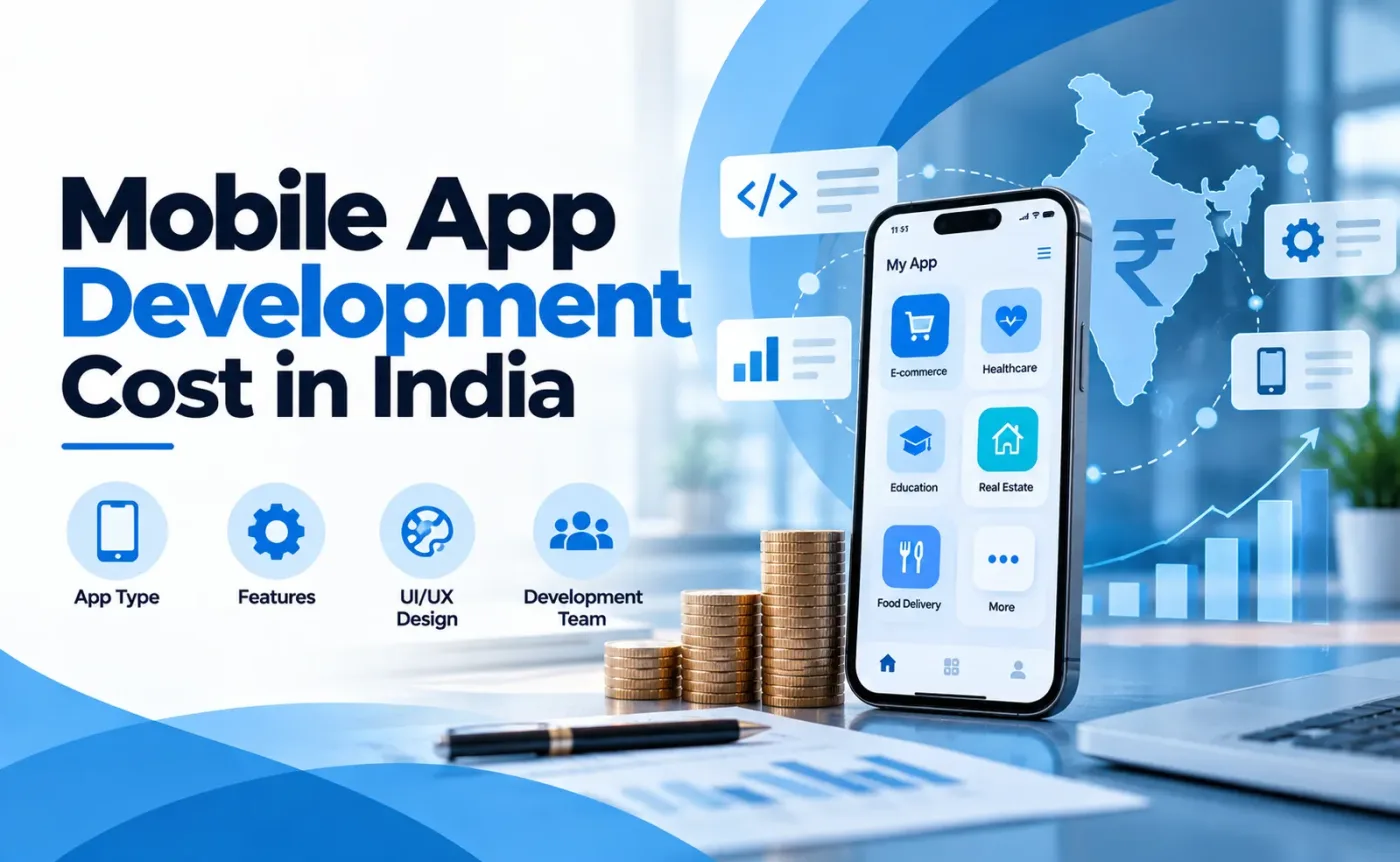
Learn what drives mobile app development cost in India and plan your budget step by step, with indicative price ranges by app type. Get a clear estimate.
Mobile App Development Cost in India: What Drives the Price and How to Plan a Budget
Indicative market ranges for mobile app development cost in India run from about ₹75,000 for a simple MVP to ₹50,00,000 or more for an enterprise platform. That range is too wide to plan a budget around, so the useful question is different: what exactly does a quotation cover?
Two apps can both be described as an e-commerce app and still differ by several lakh rupees. One may include backend payment verification, an admin panel, and regression testing. The other may not. This guide explains what drives the price and how to plan a budget, using the kind of work our team at Code Web App handles: Flutter apps, Laravel and Node.js backends, admin panels, and payment integrations.
How much does mobile app development cost in India?
App development cost in India typically ranges from ₹75,000 to ₹50,00,000+, depending on app type, features, and backend needs. Simple apps sit at the low end. Apps with real time features, heavy security, or custom integrations sit at the top. The table below shows how much it costs to make an app in India for each common app type.
App Type | Typical Scope | Indicative Cost (INR) | Indicative Timeline |
Simple MVP or basic app | 5 to 8 screens, single platform, basic login and database | ₹75,000 to ₹2,50,000 | 4 to 8 weeks |
Business or utility app | 10 to 20 screens, integrations, custom UI/UX | ₹2,00,000 to ₹5,00,000 | 8 to 12 weeks |
E-commerce or retail app | Payment gateway, product catalogue, user accounts, admin panel | ₹5,00,000 to ₹12,00,000 | 3 to 5 months |
On demand or marketplace app | Real time tracking, user and vendor apps, live chat | ₹8,00,000 to ₹18,00,000 | 4 to 6 months |
Complex or enterprise app | AI/ML features, high security, custom integrations, heavy backend | ₹15,00,000 to ₹50,00,000+ | 6 to 12 months |
These are indicative 2026 market estimates, not Code Web App quotations. They assume an Indian development team and a typical feature set for each category, and they exclude GST, hosting, third party service fees, and ongoing maintenance. A real quotation depends on a written scope.
What drives the cost of mobile app development in India?
Most of the variation in the cost of building an app in India comes from the seven factors below.
Which features does the app need, and what logic sits behind them?
A screen is cheap. The logic behind it is not. A Place Order button looks like one feature, but it touches stock checks, address handling, payment status, order records, and notifications. Ask for scope in terms of workflows, not screen counts.
How much backend and database work is involved?
The backend stores data, enforces rules, and serves the app through APIs. Building one from scratch with Laravel or Node.js is a large part of the budget for most business apps. If you also need a website or portal on the same data, our Laravel website development services cover that side, and building both together avoids duplicated work.
Do you need an admin panel or multiple user roles?
Almost every business app needs a way to manage products, users, orders, or content. Role based access adds more. A staff management app, for example, may need separate admin and staff dashboards, different permissions for each role, and role specific data such as leads, follow ups, orders, and commissions. Every extra role multiplies screens, API rules, and test cases.
Which third party integrations are required?
Payment gateways like Razorpay, maps, SMS and OTP services, email, and push notifications each need integration, testing, and sometimes usage based fees. The integration itself may be quick. Handling its failure cases is where the time goes.
How much design work is needed?
A template based interface is faster and cheaper. Custom UI/UX with research, wireframes, and a design system costs more but is usually easier to extend later. Design is best priced as its own line item.
What authentication and security does the app need?
Login, registration, session handling, and permission checks look simple but need careful work. Users should stay signed in across restarts, expired sessions should be handled gracefully, and one role should never see another role’s data.
How much testing and release work is required?
Testing covers API behaviour, device and OS compatibility, network failures, and regression checks after every change. Release work covers store listings, builds, and signing. When a quote leaves these out, the cost usually reappears later.
Is Flutter more cost effective than separate native apps?
Often, but not always. Flutter app development cost can be lower than building separate native Android and iOS apps because one codebase serves both platforms, which reduces duplicated UI and logic work. We do not quote a fixed percentage saving, because it depends on the app.
Flutter has trade-offs. Some platform specific features need native code. Android and iOS still behave differently, so you need testing on real devices and multiple OS versions. For many business apps, Flutter is a practical choice. For apps that depend heavily on hardware features or platform specific behaviour, native development can be the better investment.
Android app development cost and iOS app development cost are close for a single platform. What changes the price is how many platforms you build natively and how much device testing each needs. If your users are mostly on iPhones, see our iOS app development services. To understand why many startups pick Flutter, read our guide on why startups choose Flutter for Android, iOS and web apps.
Why does an e-commerce app cost more than a simple app?
E-commerce mobile app development cost is higher because the app handles products, money, and orders at the same time. In the Flutter and Laravel e-commerce app work we have done, the effort concentrates in areas that users rarely notice:
- Product catalogue with categories, search, and variants
- Cart management, including merging a guest cart after login
- Saved addresses and checkout
- Cash on Delivery and online payment flows
- Order management and billing
- Customer accounts, reviews, and wishlists
Each of these needs backend rules and testing, not only screens. If you are also considering a website store, our e-commerce website development in India page explains that route, and our Shopify development services in India page covers hosted stores. If you are planning an on demand app instead, our guides on grocery delivery app development and real estate app development show how category specific features change the scope.
What can go wrong with payment gateway integration?
Showing a payment screen is the easy part. Reliability is the hard part. A sound integration usually handles:
- Server side verification: the backend should confirm the payment with the gateway, not trust the app’s success message alone.
- Failed and pending payments: a user may close the app, lose network, or be charged while the app shows an error. The order status has to stay accurate.
- Duplicate requests: double taps or retries should not create two orders or two charges.
- Order consistency: payment status and order status must always agree.
These rules take planning and testing time, which is why payment features should be scoped explicitly in a quotation.
Why does scope clarity matter in e-commerce?
Features such as coupons, loyalty points, wallets, referrals, and live order tracking are often assumed to be standard. Each one changes the database design, APIs, navigation, and test cases. A wallet, for example, needs transaction records and refund handling, not just a balance on a screen.
Listing what is excluded from version one is as important as listing what is included. It prevents mid project disputes and keeps the schedule realistic.
What do job portal, staff management, and business apps cost?
These apps usually sit in the business or utility range of the table above, but the exact figure depends on roles, workflows, and backend status. No two are priced alike.
Does an existing backend reduce the cost?
It can, but it does not remove the work. In a job discovery app built with Flutter on existing Node.js and MongoDB APIs, the team still has to handle candidate and employer authentication, session management, job listings, categories, location data, search, navigation, and error handling.
Reusing APIs saves backend development. It does not remove mobile integration, testing, or the need to review whether existing endpoints fit mobile use. Sometimes authentication, response formats, or business logic need changes before the app can rely on them.
How do user roles affect a staff management app?
In a Flutter and Laravel staff management app scope, the cost drivers are role based navigation, separate admin and staff dashboards, lead and follow up workflows, and operational data like orders, transactions, and commissions. Each role is effectively a separate mini app sharing one backend.
Which engagement model should you choose?
Model | How it works | Best for | Main risk |
Fixed price | One agreed price for a defined scope | Clear, stable requirements and MVPs | Changes become change requests with added cost |
Time and material | You pay for actual effort | Evolving products | Budget can drift without regular reviews |
Dedicated team | A team works only on your product | Long running products with continuous work | Needs steady workload and active involvement |
No model is better in every case. Fixed price suits a well defined MVP. Time and material suits products still discovering requirements.
What does an app budget look like when broken down?
The split below is illustrative only. It is not Code Web App financial data, and real percentages vary by project. Activities overlap, so treat these as ranges, not a rule.
Activity | Illustrative share |
UI/UX design | 10% to 15% |
Mobile frontend development | 25% to 30% |
Backend and API development | 25% to 30% |
Third party integrations | 5% to 10% |
QA and testing | 10% to 15% |
Deployment and project management | 8% to 12% |
An app with an existing backend shifts weight away from backend development. A payment heavy app shifts it toward integration and testing.
How do you plan a mobile app budget step by step?
A realistic budget comes from a written scope, not from a guess. These steps work for most business apps.
- Define the business goal. Decide what the app must achieve in its first six months, such as orders, bookings, or repeat usage. Every feature should support that goal.
- List features by priority. Split them into must have, should have, and later. Only the first group belongs in version one.
- Choose the platform. Check where your users are. If most are on Android, start there. If you need both, compare Flutter with separate native apps.
- Check your backend situation. Note whether you have existing APIs, a website database, or nothing. This decides how much backend work needs budgeting.
- Match your scope to a range. Compare your feature list with the indicative cost table to get a starting range before any sales call.
- Ask for an itemized quotation. Request cost per module (design, frontend, backend, integrations, testing), not one lump sum.
- Add a contingency of 10 to 15 percent. Requirements change, and a buffer keeps small changes from becoming budget conflicts. This is a planning guideline, not a fixed rule.
- Reserve a post launch budget. Set aside funds for hosting, third party services, maintenance, and updates for at least the first year.
A simple formula to keep in mind:
Total budget = build cost + contingency + first year running costs + planned feature updates
Online tools such as a mobile app development cost calculator give a quick ballpark, but they cannot see your integrations, security needs, or design depth. Use the formula above to sanity check their result.
What should a quotation include and exclude?
A clear mobile app development quotation lets you compare custom mobile app development pricing fairly. Check for:
- Feature wise scope, written as workflows
- Platforms covered (Android, iOS, or both)
- Design deliverables
- Backend, admin panel, and user roles
- Third party integrations and who pays their fees
- Testing approach and release support
- Explicit exclusions for version one
- Timeline with milestones and payment schedule
- Source code and intellectual property ownership terms
- Post launch support period
When two proposals differ sharply, the difference is almost always in this list. For more questions to ask, see our guide on how to choose a mobile app development company.
What costs come after launch?
Plan for these recurring items:
- Hosting and databases
- File storage and backups
- SMS, OTP, and email services
- Maps and other usage based APIs
- Payment processing fees
- Monitoring and security updates
- OS compatibility and dependency updates
Mobile app maintenance cost has two parts. Corrective maintenance fixes bugs and keeps the app working with new OS versions. New features are separate development work. Some agencies quote yearly maintenance as a percentage of build cost, and 15 to 20 percent is a commonly cited rule of thumb, but you should confirm what any quote actually covers.
Store fees apply too: a one time Google Play developer registration fee and an annual Apple Developer Program fee.
Is a low cost app a bad investment?
Not automatically. Low cost mobile app development can be the right decision for a prototype, a pilot, or a first version meant to test demand. The real risk is a quotation that does not define functionality, backend, integrations, testing, ownership, and ongoing costs. A clear ₹2 lakh scope is safer than a vague ₹6 lakh one.
Spend more when the app handles payments, sensitive data, multiple user roles, or workflows your business depends on daily. In those cases, reliability and testing are what you are paying for.
When should you build an MVP instead of the full app?
MVP development cost is lower because you launch only the core workflow. An MVP makes sense when:
- You are not yet sure users will adopt the product
- One core workflow can prove the idea
- Your budget is limited and you want real feedback first
- Requirements are likely to change
A full build makes sense when the workflows are proven, integrations are essential from day one, or compliance and security needs are fixed. Our MVP app development guide explains how to choose what goes into version one.